# 1.0 Automatically adapted questionnaires
##### Use of attributes for questions
[](https://manual.ivaluate.de/uploads/images/gallery/2024-05/iva-question-with-attributs.png)
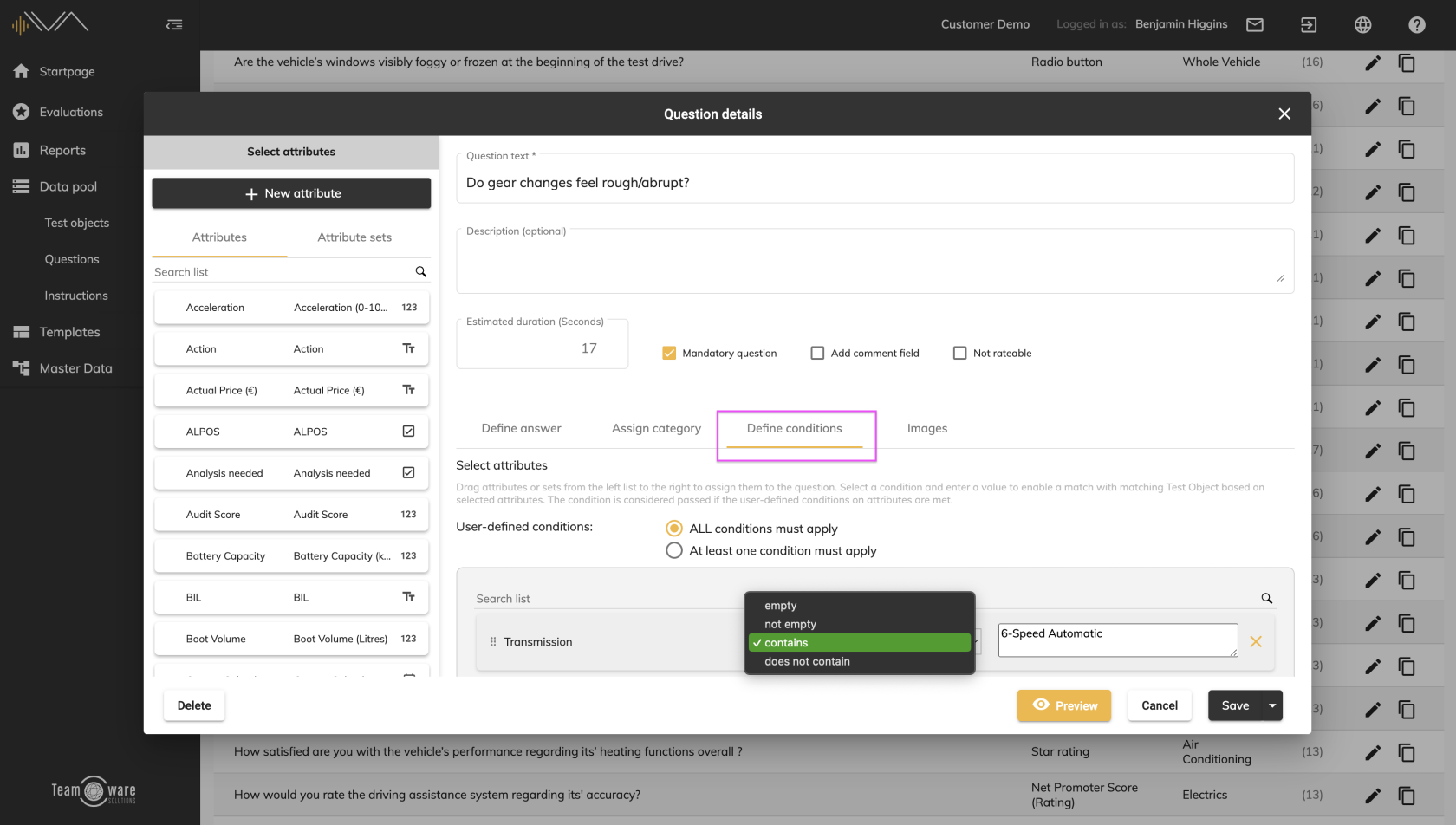
From now on it is possible to assign different conditions to questions using attributes.
For this purpose, an automatic comparison takes place with the attributes of relevant test objects. Only if a test object has an attribute that was defined as a condition in the question will the question be displayed.
A detailed description can be found here: LINK to the manual
##### Comparison of conditions in questionnaires
[](https://manual.ivaluate.de/uploads/images/gallery/2024-05/iva-reports-questionnaires-conditions.png)
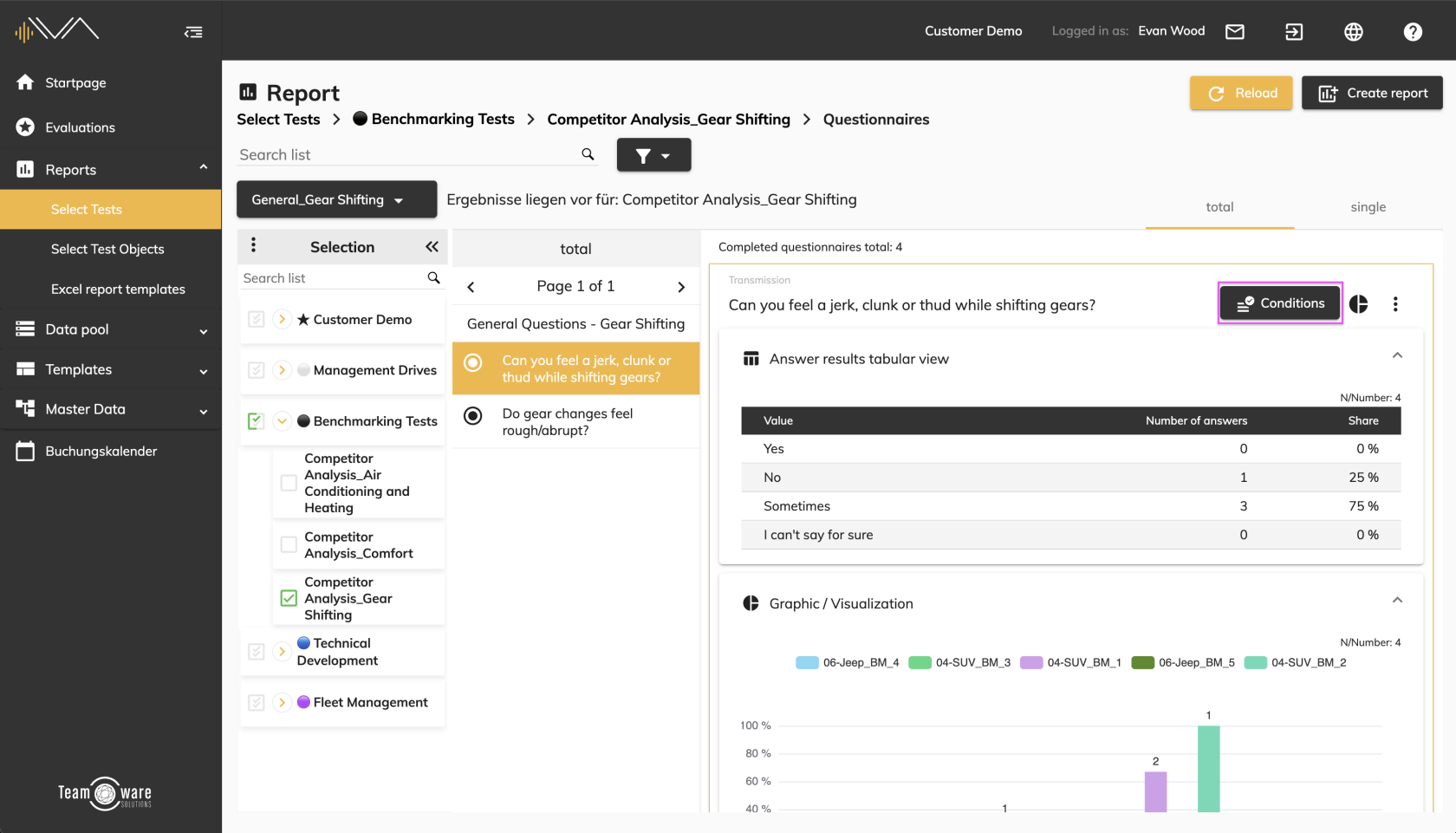
In order to only receive relevant questions in a questionnaire, a mechanism was developed at this point. This means that only the questions that meet certain conditions are displayed.
[](https://manual.ivaluate.de/uploads/images/gallery/2024-05/iva-reports-questionnaires-conditions-detail.png)
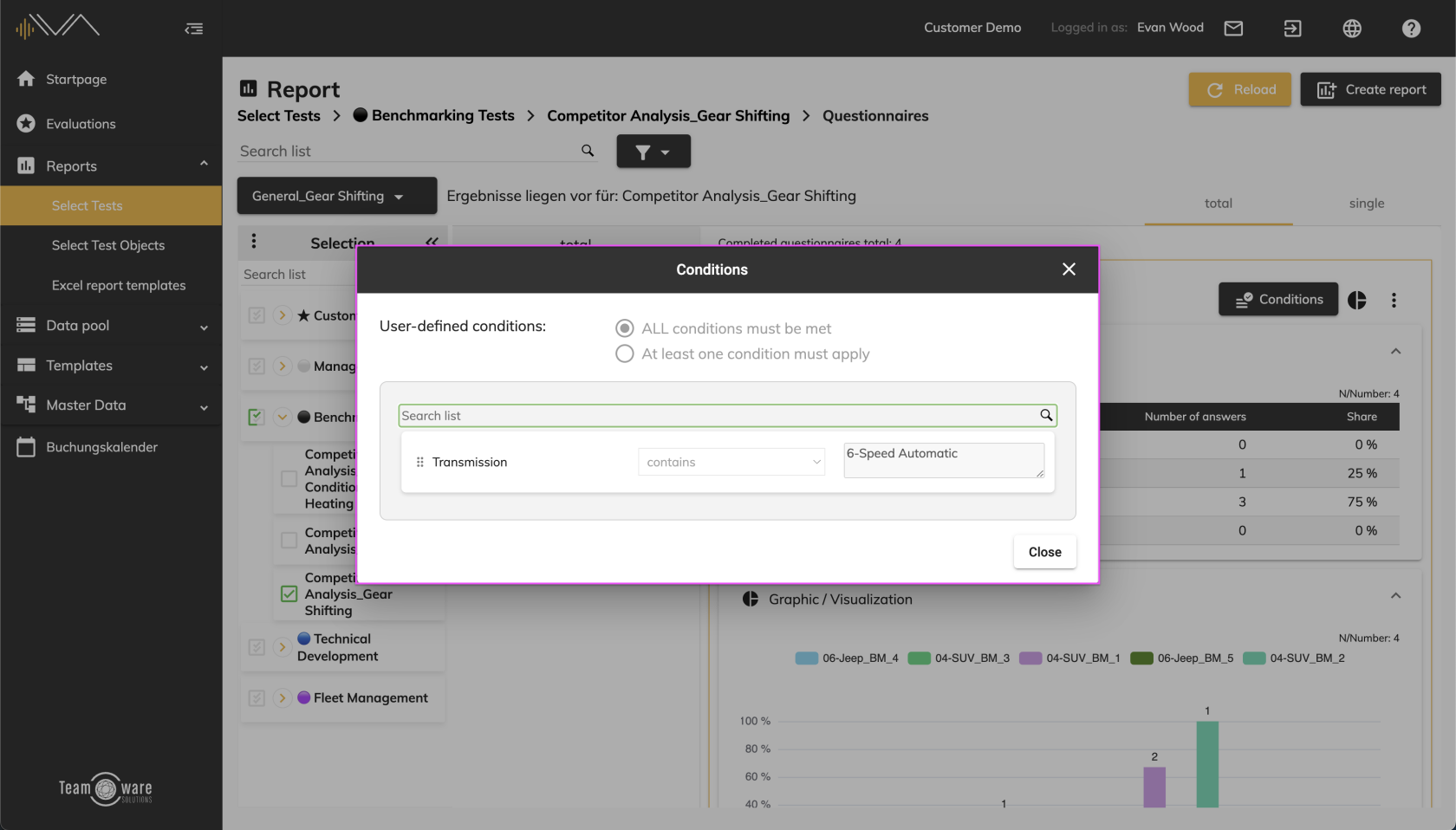
By clicking on the “Conditions” button you can find out which condition has been set.
A detailed description can be found here: LINK to the manual